Standard
Your photos
Give your photos another dimension. Let people explore a space created from a connected sequence of images.
Get a quoteHow to photograph your space
- 1
Prepare your phone and space
Take landscape photos using your phone’s 0.5× wide-angle camera. Keep the same camera, photo mode and settings throughout. Keep doors open, lighting consistent and furniture in place. Avoid people and pets in the photos.
- 2
Photograph from the corners
Start near each accessible corner and aim into the room. Take one to three overlapping photos, turning slightly between shots to cover both sides of the room. Keep the phone at roughly the same height and pause before each photo.
- 3
Photograph from the centre
Move to a clear spot near the centre and take photos in four directions. Keep recognisable features visible in neighbouring photos. If furniture blocks the centre, use a nearby clear position.
- 4
Fill the gaps and connect the rooms
Add a photo from between the corners wherever it reveals an area hidden by furniture or the room’s shape. As you move between rooms, take overlapping photos through the doorway so the connection is visible.
- 5
Check and send your photos
Check that the photos are sharp and show the floor, walls and different sides of large furniture. Send the original, full-resolution files in shooting order, without filters or edits.
Not sure where to take the photos?
We can help you plan the shots for your space. Send us a floor plan showing the rooms, doors and large furniture. A simple hand-drawn sketch is enough.
We’ll mark where to stand and which directions to photograph, so you have a clear plan to follow.
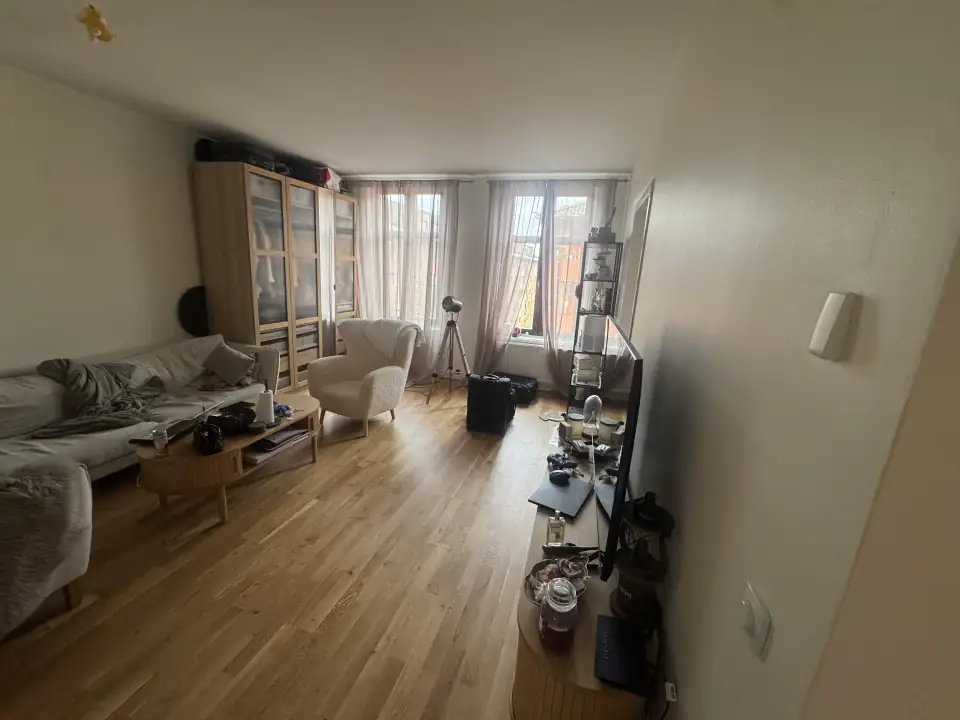
Example of required footage
Input
Output
Step 1 of 3